What it does
Issue Doc is a desktop app for issuing invoices, estimates and other business documents on your own letterhead. There is no account, no server and no sync; your records stay on your computer.
Each document type decides what shows
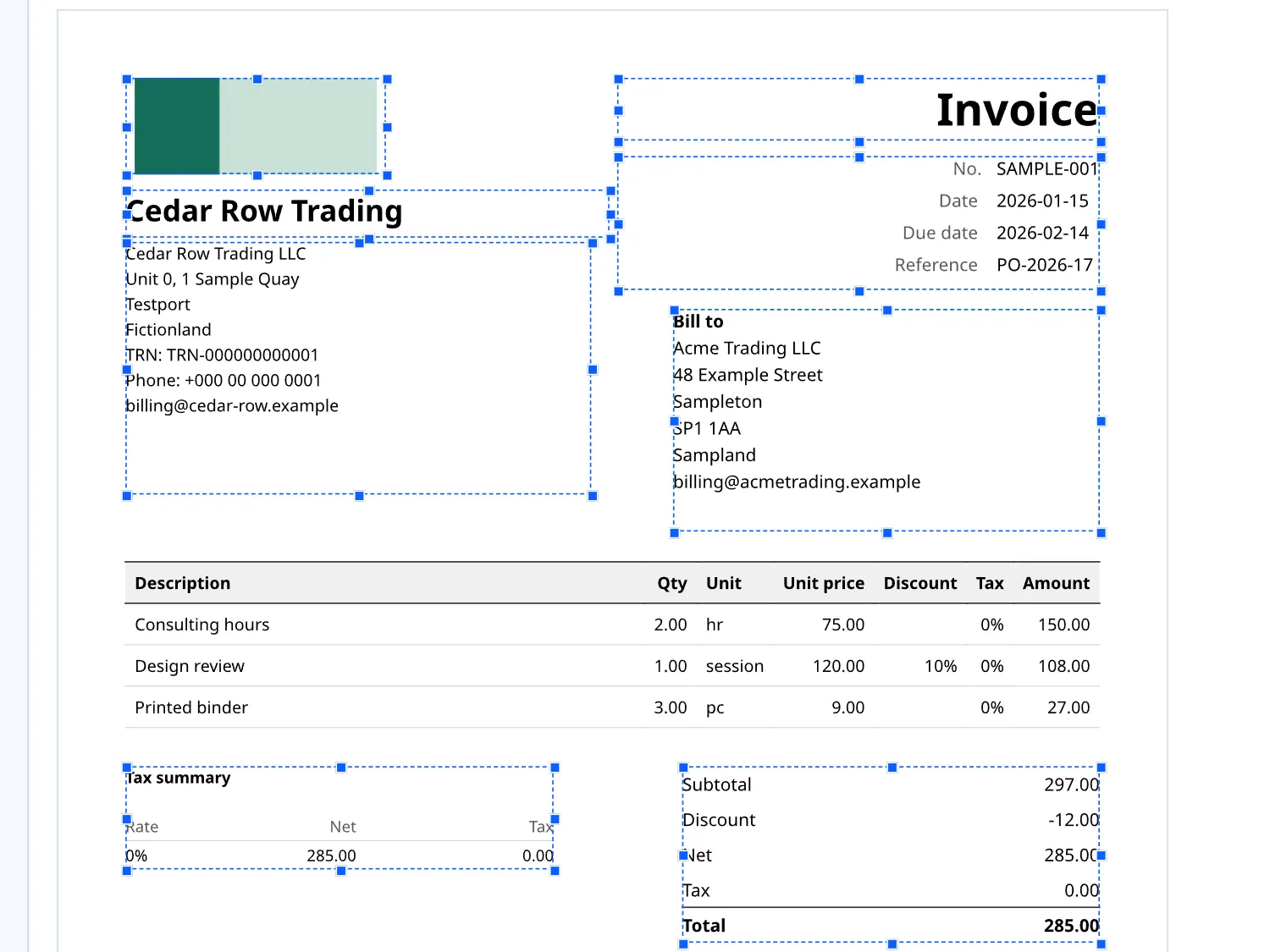
Invoice, Estimate, Credit note, Delivery note, Payment receipt, Purchase order and Blank, each with its own set of blocks. A Payment receipt carries no line table, because it records a date, an amount, a method and a reference. A Delivery note keeps its table but drops totals, tax and payment blocks. Each type carries what it is for rather than hiding fields on a shared layout. Duplicate any document, including into another type, and recurring documents are prepared as drafts for you to issue.
One compile, one document
Issue Doc compiles each document once, and the preview and the PDF both come from that one compile. A block that overflows is caught by measuring its real content rather than trusting a fixed ratio.
Numbers you can trust, including when something goes wrong
Issuing a document and allocating its number happen in one transaction, so a failed compile or a failed write uses up no number and leaves no half-issued draft. A number already taken is stepped past with a warning. Regenerating a PDF after you edit your profile gives byte-identical output rather than a new document.
Tax, totals and payments
Every amount is held as a whole number or an exact decimal, never as a floating-point value. Tax is rounded once per line and the rounded lines are added up, rather than rounded again at the total. It tracks each document's status, records payments against it, issues a receipt from a payment, and links a credit note to its original.
Latin-script languages, A4 or Letter
Prints in any Latin-script language on A4 or Letter, with an English interface. The fonts ship with the app and are checked at every build, so the wrong font cannot slip in.
Take your setup with you
Export your setup or all your data to a file and import it on another computer. Uninstalling without an export deletes the local copy.
Questions
Does Issue Doc upload my documents or connect to anything?
Measured on test builds, and only as far as stated here. On Mac, zero network connections were found, idle or in use. On Windows, Issue Doc's own process made none; the Microsoft Edge WebView2 component that draws its window connects to Microsoft at launch, and Issue Doc sends none of your data through it.
Is it accounting software?
No. It keeps no ledger, posts no journal entries and prepares no tax return.
Does it produce e-invoices for a government e-invoicing system?
No. It produces PDF documents.
Is there a subscription?
No. One price, paid once.
If I buy it on the Microsoft Store, does it work on my Mac too?
No. A purchase on one store does not unlock the app on the other.
Is there a Mac version I can use today?
Not yet. A Mac version is in development and nothing is released.
Does the PIN protect my records if my laptop is stolen?
No. The PIN keeps casual eyes out. It is not encryption.
Privacy
What it collects: Issue Doc has no account and no login, so it collects nothing about you beyond what you type in. What it keeps is your own business data, in a local database on your computer: your own profile details (name, address, tax ids and a payment note) and the names, addresses and emails of the clients and suppliers you record. What leaves your machine: Measured, and this page claims nothing wider than what was measured. On Mac, the sandboxed store build was watched idle for 20 seconds, and a headless run exercised import, export, rendering and statements: zero network connections were found in either. The free trial and the purchase go through Apple's own App Store, not through Issue Doc. On Windows, a headless exercise found zero network connections from Issue Doc's own process. Its window is drawn by Microsoft Edge WebView2, a component of Windows, which opened HTTPS connections to Microsoft at launch. Issue Doc sends none of your data through it.
What it costs
Windows: a free trial run by Microsoft, with every feature. Mac: a free trial you start in the app, with every feature, then a one-time purchase to keep issuing.
Pricing is set at release. It will be a one-time price, not a subscription.
Also from the studio
Questions or problems: support@hardboundstudio.com. A person reads every message.